





%201.svg)



Scale freight invoicing without hiring more.
Built for freight brokers, Epay Manager’s Accounts Receivable workflow reduces the manual outreach, document chasing, and invoice preparation that slow back-office teams down.
With deep TMS integration and automated post-delivery workflows, your team can process more customer invoices with fewer exceptions, without adding headcount.

Post-Delivery Automation

Invoice customers faster
Create customer invoices from TMS data and move billing forward without waiting on manual email follow-up.

Reduce AR exceptions
Catch missing documents, mismatched invoice details, and billing gaps before they slow collections down.

Scale without bottlenecks
Give your AR team a repeatable workflow that can handle higher volume without adding more manual work.

Here’s how customer billing works with Epay.
Turn completed deliveries into accurate customer invoices, without the manual handoffs.

Step 1: Connect carrier and customer billing
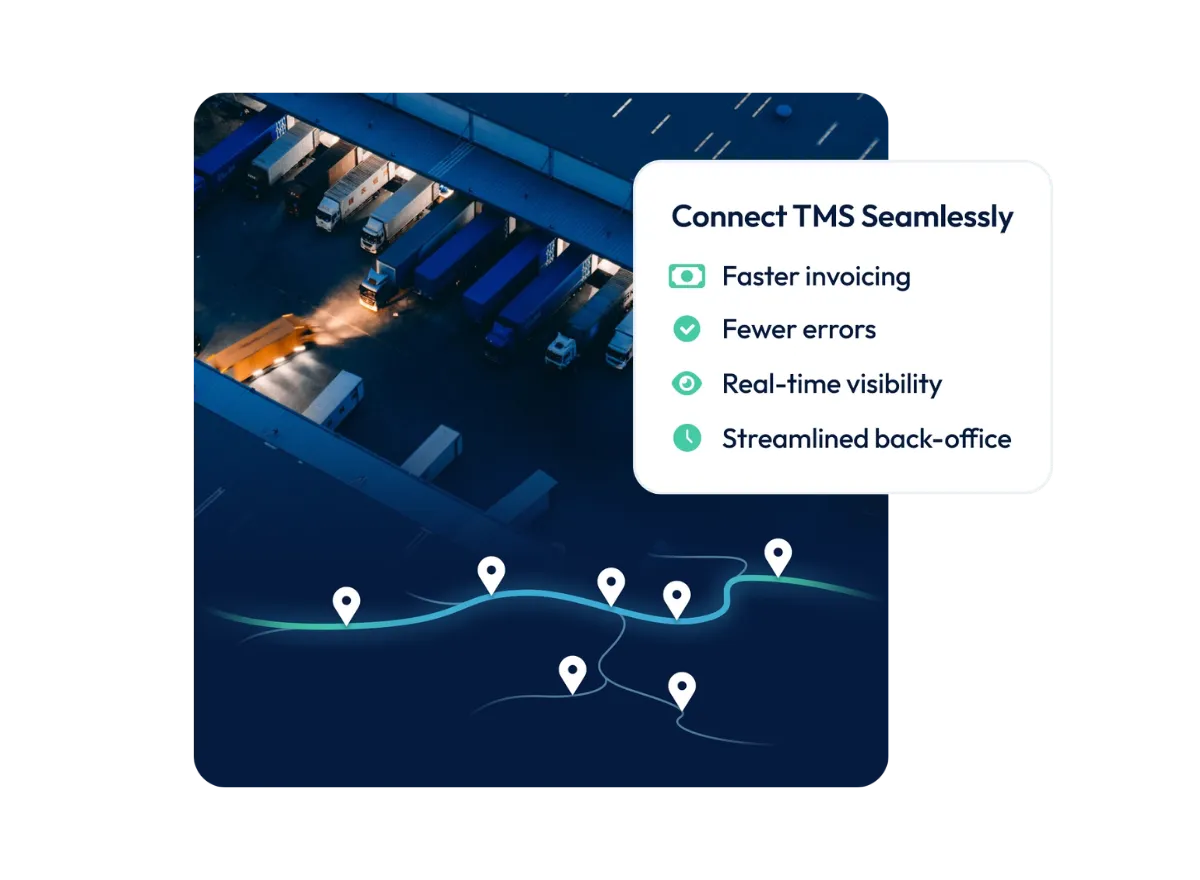
Epay connects carrier payables with customer receivables using load data from your TMS, keeping billing information aligned across both sides of the transaction.

Step 2: Verify invoices and supporting documents
Carrier-approved invoice details, delivery documents, and approved adjustments help your team catch discrepancies before invoices reach the customer.

Step 3: Send accurate customer invoices faster
Streamlined billing workflows help your team invoice customers sooner, reduce rework, and improve visibility into outstanding receivables.


Eliminate billing errors with a connected AP and AR workflow.
When carrier payments are created and settled in Epay, any accessorial charges and missing documents are settled, so that the bill to the shipper is clean.
This enables broker back-office teams to have the confidence they are sending the right amount the first time to shippers, without risking incorrect billing, costly losses, or multiple invoices.

Here’s how it works.
Getting access to working capital shouldn’t be a hassle. OTR makes the process seamless.

Step 1: Submit carrier & shipper invoice for margin within 24 hours
Retain complete control of your carrier relationships while we handle the back end. Invoice OTR and receive your margin within 24 hours. OTR has already invoiced your customer and set the carrier payment for their selected pay terms.
Step 2: OTR pays the carrier
On your defined payment terms, OTR will ACH payment to the carrier on time, every time. If the carrier opted for quick pay, OTR will direct deposit payment less the decided quick pay fee within 48 hours.

Step 3: OTR receives payment from shipper
OTR collects payment from your shipper and closes out the invoice. No action or changes to you regardless of when this happens, you were paid on day one.
Step 1: Submit carrier & shipper invoice for margin within 24 hours
Retain complete control of your carrier relationships while we handle the back end. Invoice OTR and receive your margin within 24 hours. OTR has already invoiced your customer and set the carrier payment for their selected pay terms.
Freight billing made simple.
Do more without hiring more, working longer hours, or grinding harder. Let Epay do the work for your back-office team.
Accounts Receivable Module

What Epay clients are saying.
Our teams have supported brokerages for over two decades, helping them secure fast, reliable funding, build stronger carrier and customer relationships, and scale their operations.
Back office is better with Epay.
Epay Manager is a forward-thinking back-office platform built specifically for freight brokers. With intelligent automation, seamless TMS integrations, and built-in payment capabilities, Epay transforms your post-delivery workflows into a streamlined, revenue-driving operation.
Annual Carrier Payables Managed
Invoices Processed
Active Users
.webp)


.png)
.png)
.png)
Configure Epay around your brokerage.
Start with carrier payments, then add the modules your brokerage needs to automate customer billing, audit delivery documents, and manage cash flow, all within one connected platform.

Accounts Payable
Accounts Payable
Automate carrier invoicing, approvals, and payments with a proactive workflow connected to your TMS.

Accounts Receivable
Accounts Receivable
Package documents, generate invoices, and streamline customer billing from the same centralized platform.

AI Audit
AI Audit
Automatically classify delivery documents and flag discrepancies automatically, so your team can focus on exceptions instead of manual review.

Working Capital Solutions
Working Capital Solutions
Access flexible funding options for carrier payments, QuickPay, AP financing, and AR factoring.

Got questions?
We've got answers.
Find out everything you need to know about Epay Manager's approach to Accounts Receivable for freight brokers.
Schedule a demo with the Epay team to learn how Accounts Receivable automation can support your brokerage. The Epay team can help identify ways to improve billing accuracy, reduce manual work, and support a more scalable back office.
The Accounts Receivable module supports the customer billing process after delivery. When connected with Accounts Payable, delivery documents uploaded by the carrier can be packaged with the customer invoice and sent to the shipper.
Brokerages can also set customer-specific rules, such as invoice delivery preferences or customized email subject lines, to support shipper relationships.
Epay’s Accounts Receivable module connects customer billing to the carrier payment workflow. Instead of relying on inboxes, disconnected systems, or manual document matching, Epay keeps invoice and delivery document information in-platform.
This connection between Accounts Payable and Accounts Receivable reduces duplicate work, improves billing accuracy, and gives your team better visibility across the full back-office process.
Epay Manager helps streamline customer billing by connecting invoice details, delivery documents, and billing workflows in one platform. Delivery documents uploaded during the carrier payment process can be automatically packaged for the shipper invoice.
This reduces manual work, helps prevent inaccurate invoices, and saves back-office teams time on document matching and billing corrections.